
What does the green checkmark mean for tokens
How it works
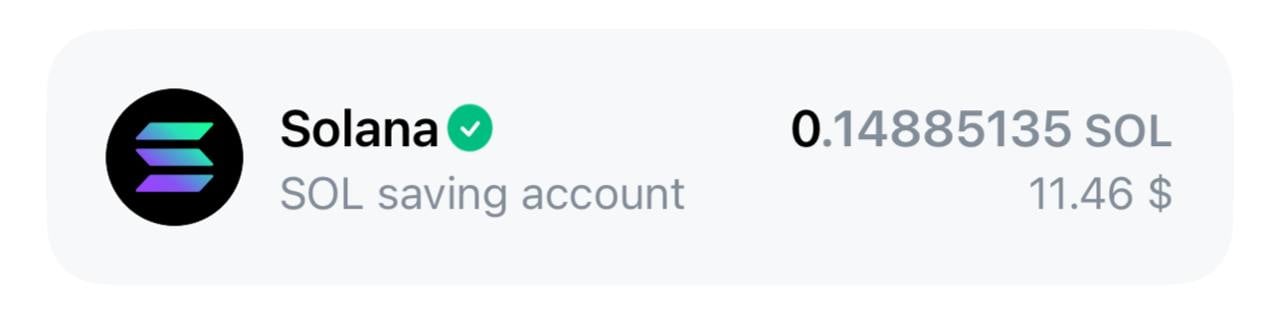
The application checks the token’s master contract address against a special list of trusted contracts. If the address is in this list — a green checkmark appears.Where the list of verified tokens comes from:
- Built-in data in the application
- Updatable config from GitHub
The checkmark guarantees that you see the original token, not a fake. Counterfeit copies will have different contract addresses, so the checkmark will not appear for them. However, the checkmark does not guarantee that this token was not created for fraudulent purposes, the wallet bears no responsibility for this.
How token verification works
The application has a system that checks whether a token is real or fake. When you see a green checkmark next to a token, it means the application found this token’s address in a special list of verified tokens.The green checkmark appears if the address of the token’s main contract (its “passport” in the blockchain) is in the list of trusted addresses.
Where the list of verified tokens comes from
Built-in list of popular tokens
- The application itself has a pre-prepared list of addresses of known tokens. This includes popular tokens like jUSDT, jUSDC, NOT, USD₮ and others. This list is compiled manually by developers
- For some special tokens (for example Ethena USDe) addresses are added automatically
Updatable list from the internet
The application downloads a fresh list of verified tokens from GitHub. This list is updated separately from the application and contains new verified tokens. The list has sections for mainnet and testnet. Each section contains addresses of verified tokens and a list of known token namesFinal list = built-in tokens + tokens from the internet. The application updates this list every 5 minutes and each time it opens.
Where the checkmark is shown
- On the token icon: a green checkmark appears directly on the token image if its address is in the verified list
- During transfers: the checkmark is shown next to the token name in the wallet, during transfers
- For TON: the main TON coin is always shown with a checkmark — it is considered verified by default