Registration in Holders
- Click on the banner on the main wallet screen or in the settings menu.
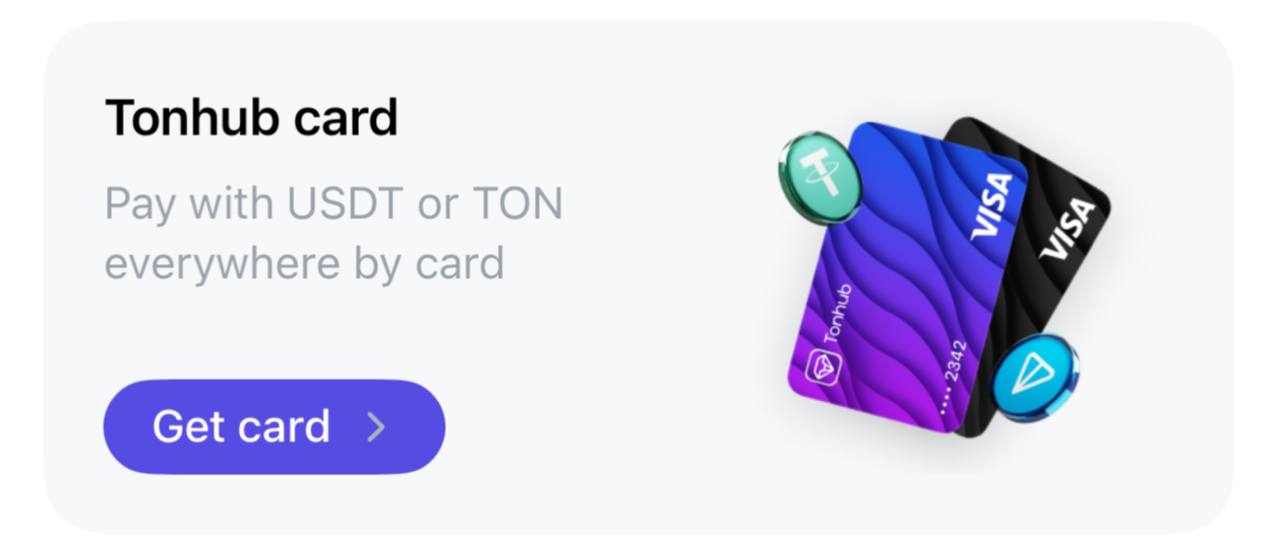
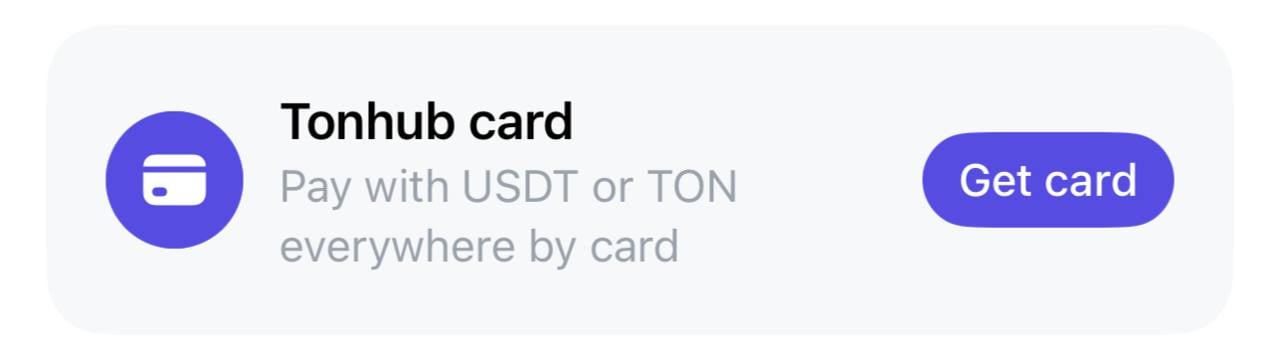
- Follow the instructions for registration.
Opening an account
- To open a new account go to Cards mode by clicking the toggle at the top of the wallet screen.

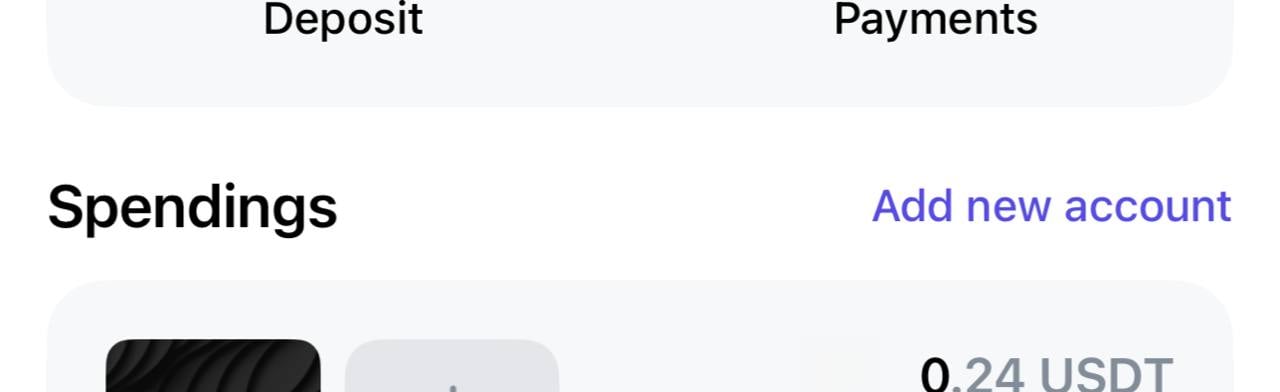
- Click “Add account” and follow the instructions.
Card issuance
To issue a new card, go to Cards mode and use one of the following methods:- Click on the card silhouette with the + image on the account card for which you want to issue a card, and follow the instructions.
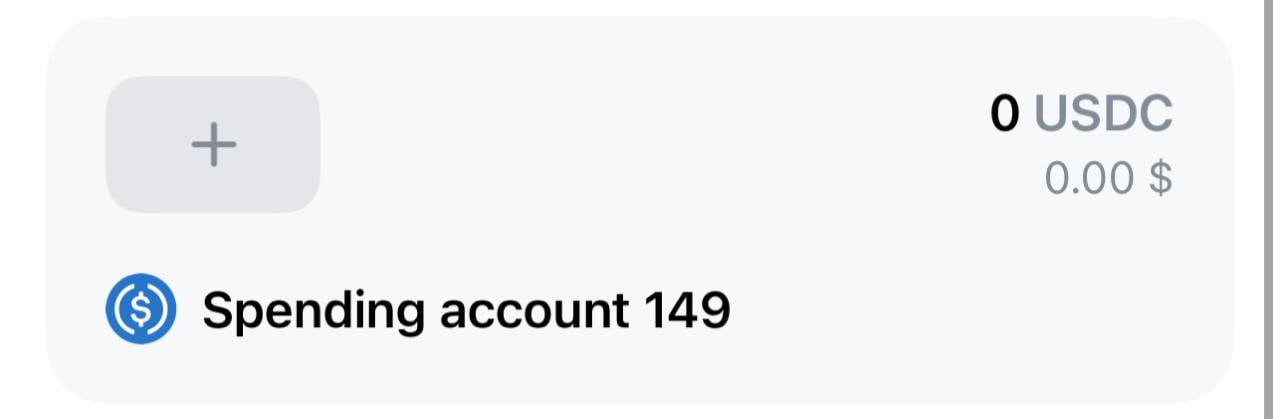
- Click on the account card for which you want to issue a card, and follow the instructions.
Hiding accounts
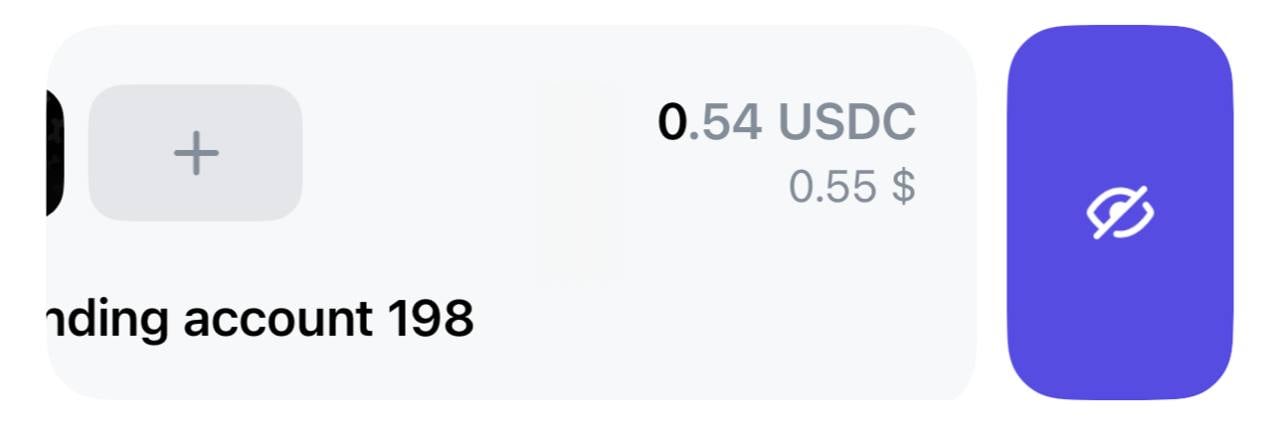
An account can be temporarily hidden from the list in Cards mode if it is not being used. To do this, swipe left on the desired account card and click on the icon with the crossed-out eye.