Setting up, changing and tracking blockchain limits
-
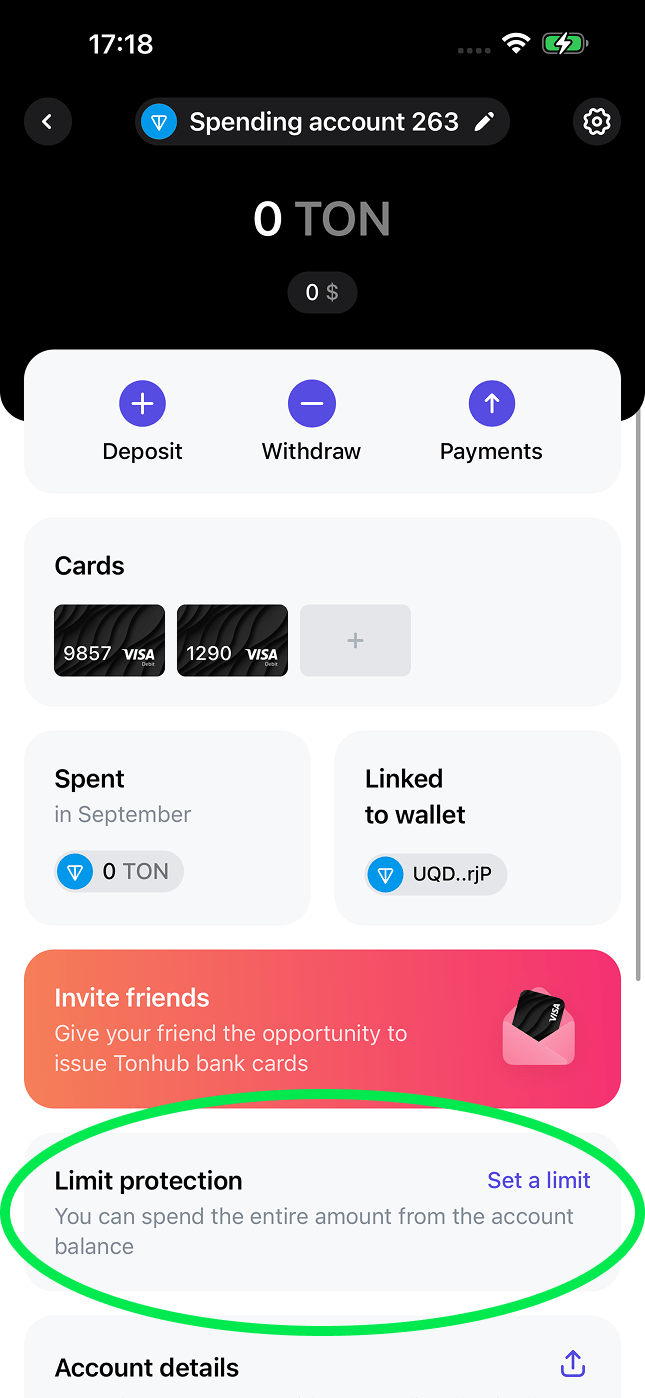
To set up/change limits, the user clicks on the corresponding card on the account page where they want to set up/change the limit.
-
The user navigates to the limit type selection page. After that, they enter the values for all necessary limits and confirm saving by clicking the “Save” button.
.PNG?fit=max&auto=format&n=-mySDAQItqitSnAP&q=85&s=a47e62b108aeddc593fab616ca4cbc60 "IMG 0478(1)")
- The service redirects the user to the wallet application, where it asks them to sign a transaction to set the limits.
-
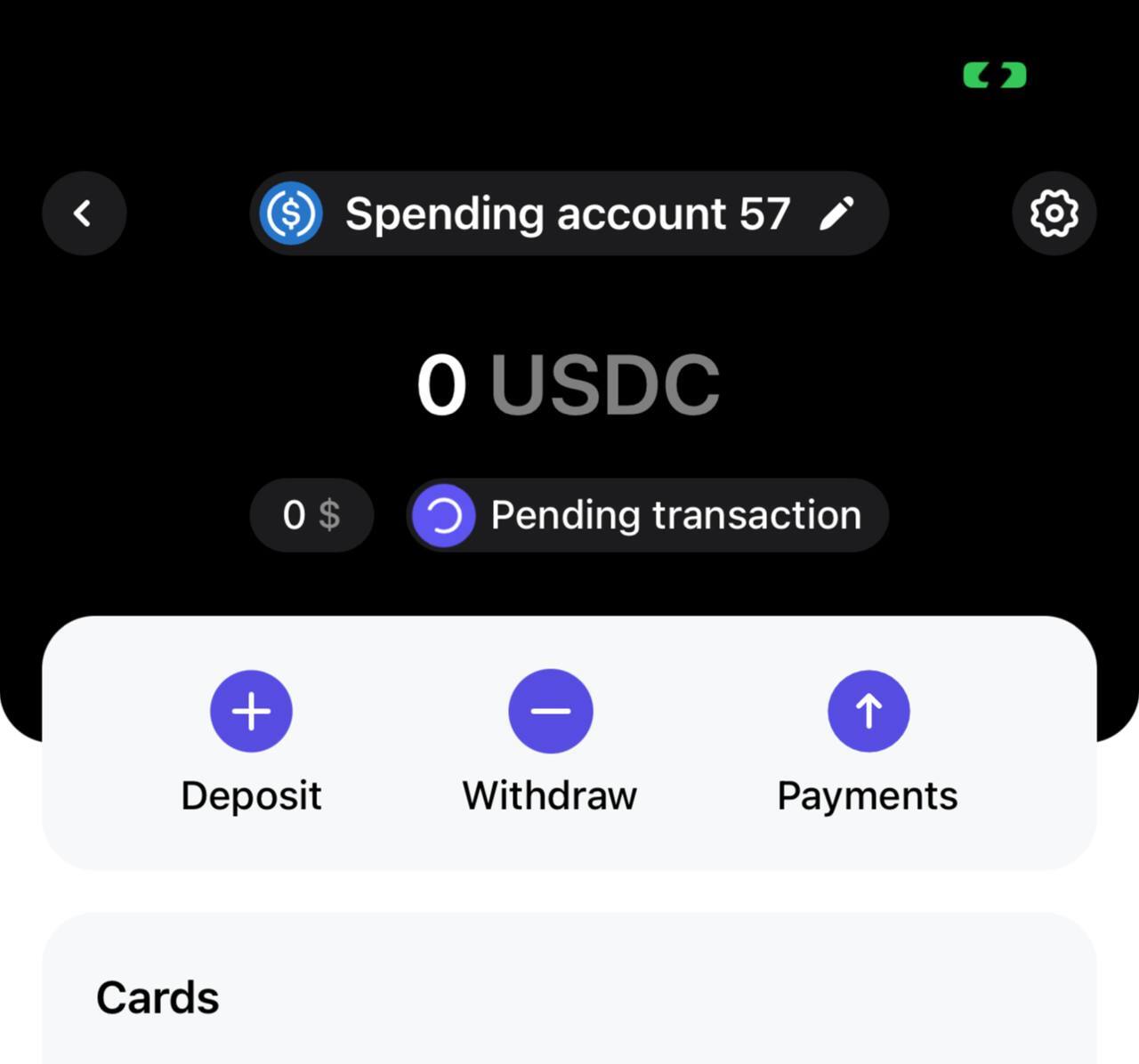
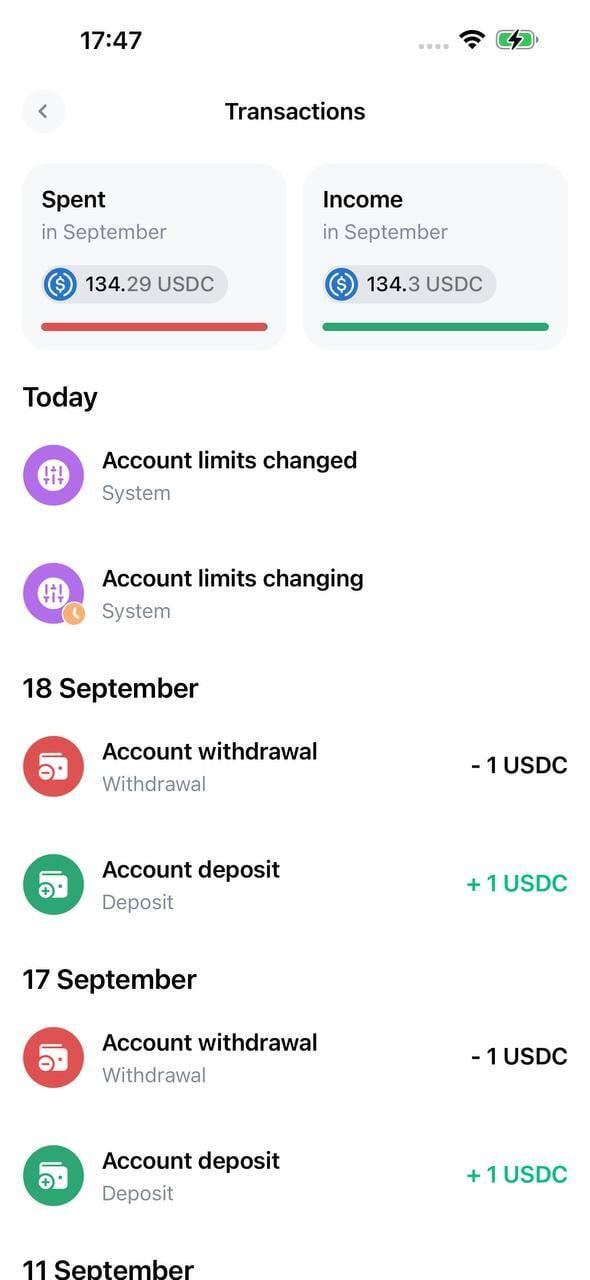
After signing the transaction, limits are typically set/updated within a few minutes. A loader is displayed at the top of the interface showing whether the transaction has been processed.
-
After setting up limits, a card appears on the main account page showing the progress scale of the nearest limit.
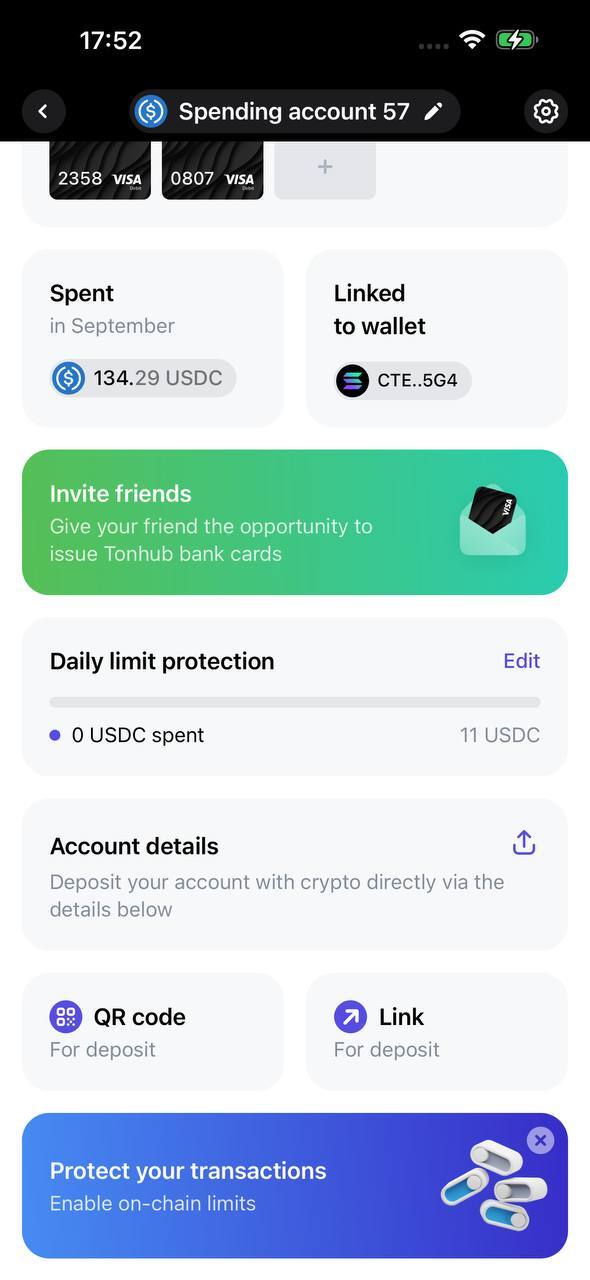
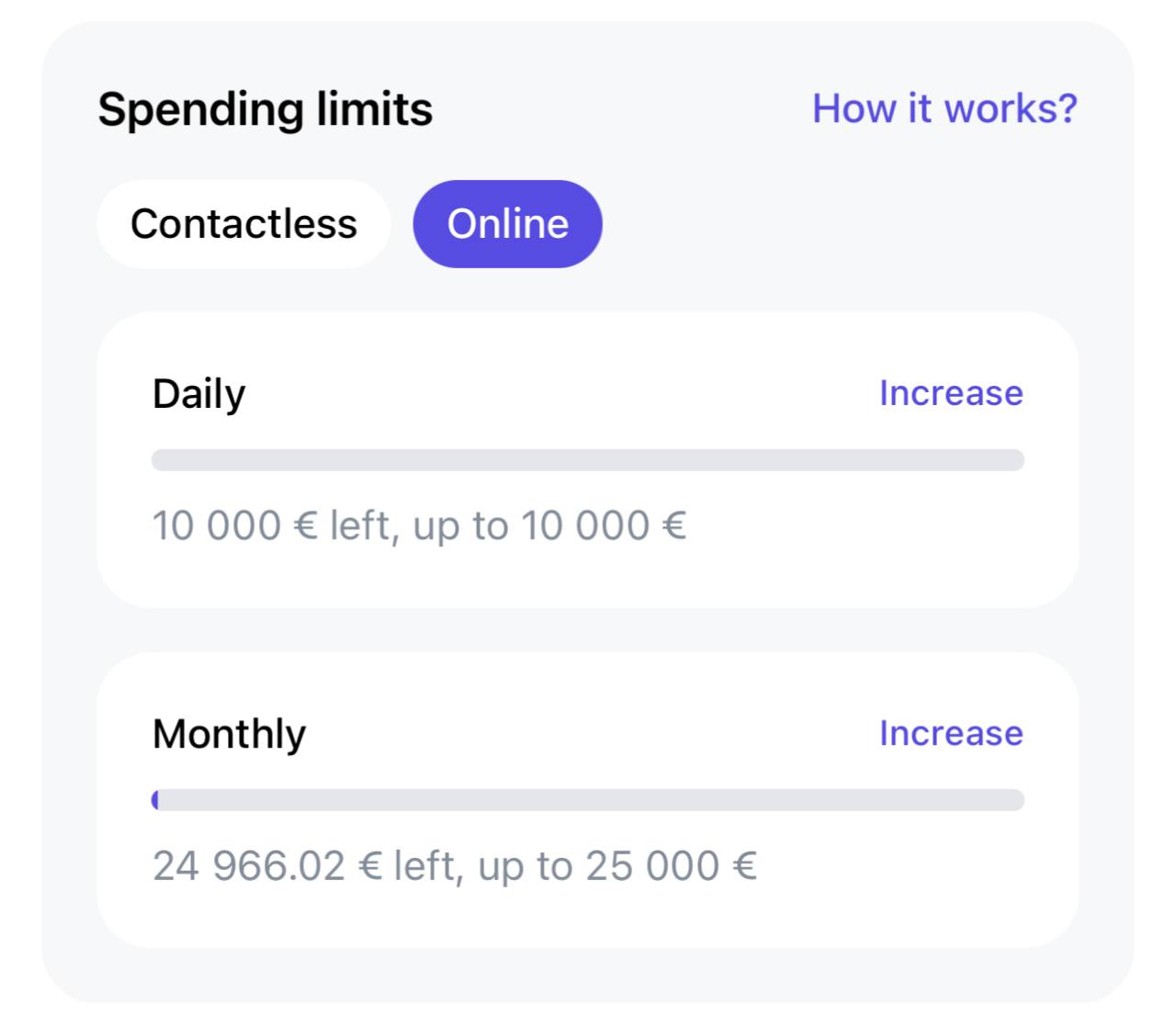
Displaying Issuer Bank Limits
Issuer limits are displayed on the page of each bank card linked to the account. Users can view the remaining balance until each type of limit is reached.